
Building an AI creator used to mean juggling a dozen different tools, platforms, and workflows - just to get a character that looked consistent enough to actually use.
That changes now.
The AI Avatar Builder lets you create directly inside Fanvue Creator Tools - powered by Nanobanana, one of the most advanced AI image generation models available. And once your avatar is built, you can start generating content from it immediately.
What is the AI Avatar Builder?
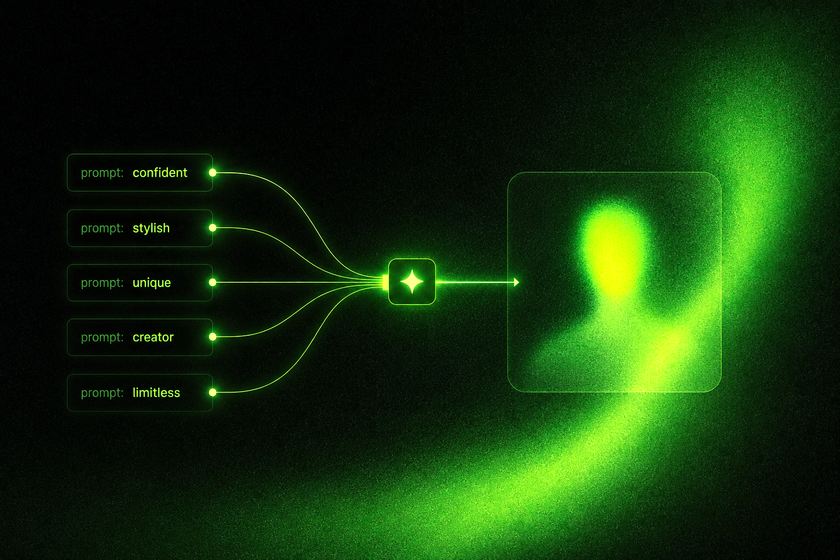
The AI Avatar Builder is a tool on Fanvue that lets you design and generate your AI creator's foundational look - their face, body type, style, and visual identity - all in one place.
No external image tools. No sending prompts through five different platforms.
You build the creator on Fanvue. Then you use Fanvue's content generation tools to start creating images and content from that avatar, right away.
Where to find it
Go to Creator Tools → My AI → Builder
How to use it
- Open Creator Tools, select My AI, then click on the Builder tab
- Use the prompts and customisation options to describe and generate your creator's appearance - their look, aesthetic, style, and physical features
- Review and refine until you have a base avatar you're happy with
- Save your avatar - it becomes the foundation for all future content generation
Why this is a big deal
Everything in one place. Before this, building an AI creator meant using external tools, exporting assets, and manually importing them into Fanvue. Now the whole workflow lives on platform. That means less time on logistics, more time on content.
Better image generation. Creators who build their avatar using the AI Avatar Builder get access to the newest Nanobanana model for content generation - which produces significantly better, more consistent results than older alternatives.
Consistency at scale. Because all your content is generated from the same base avatar, your creator looks like themselves across every image. That visual consistency is what makes an AI creator feel believable and trustworthy to fans.
Start generating immediately. There's no waiting period. Once your avatar is built, your vault is ready for content generation. You can go from zero to a full content library faster than ever before.
The AI Avatar Builder is designed for creators who are starting fresh or building a new AI creator on Fanvue.
If you're just getting started in the AI creator space, this is the fastest and most streamlined way to launch.
Tips for building a great avatar
Be specific in your prompts. Vague prompts produce vague results. Describe your creator's look in detail - their features, their style, the overall aesthetic you're going for. The more specific you are, the more consistent the output will be.
Test before you go all in. Generate a few test images once your avatar is set, and check how it looks across different scenes and styles. If anything feels off, you can refine your base before building out your full content library.
Building an AI creator used to be complicated. Now it's a workflow that lives entirely on Fanvue - from the first image of your creator, to the content in your vault, to the fans subscribing to see it.
The AI Avatar Builder is where that journey starts.