

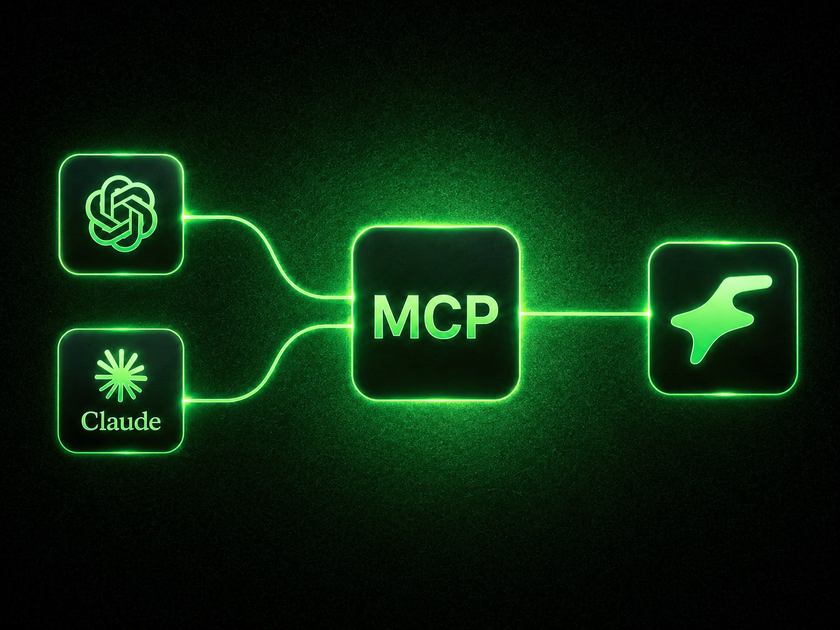
You're already using AI every day, ChatGPT to draft messages, Claude to think through ideas. Tools scattered across your workflow.
Now those same tools can act directly on your Fanvue account. Message fans. Pull your earnings. Upload posts. Build re-engagement lists. The sky is the limit. All from a single conversation, in plain language, no code, no copy-pasting.
That's what the Fanvue MCP server makes possible.
One connection. Endless growth.
The big bottleneck to scaling on Fanvue has always been time. Only so many messages you can send. Only so many fans you can personally follow up with. Paired with Fanvue's inbuilt AI features, the MCP server removes that ceiling. Your AI handles the volume. You focus on the work only you can do.
What is this, exactly?
MCP (Model Context Protocol) is a standard that lets AI assistants connect directly to apps and act on your behalf. Think of it as giving your AI a login to your Fanvue account, so instead of just giving you advice, it can actually carry out the work.
You connect once. After that, you just talk to it.
Connect in one click
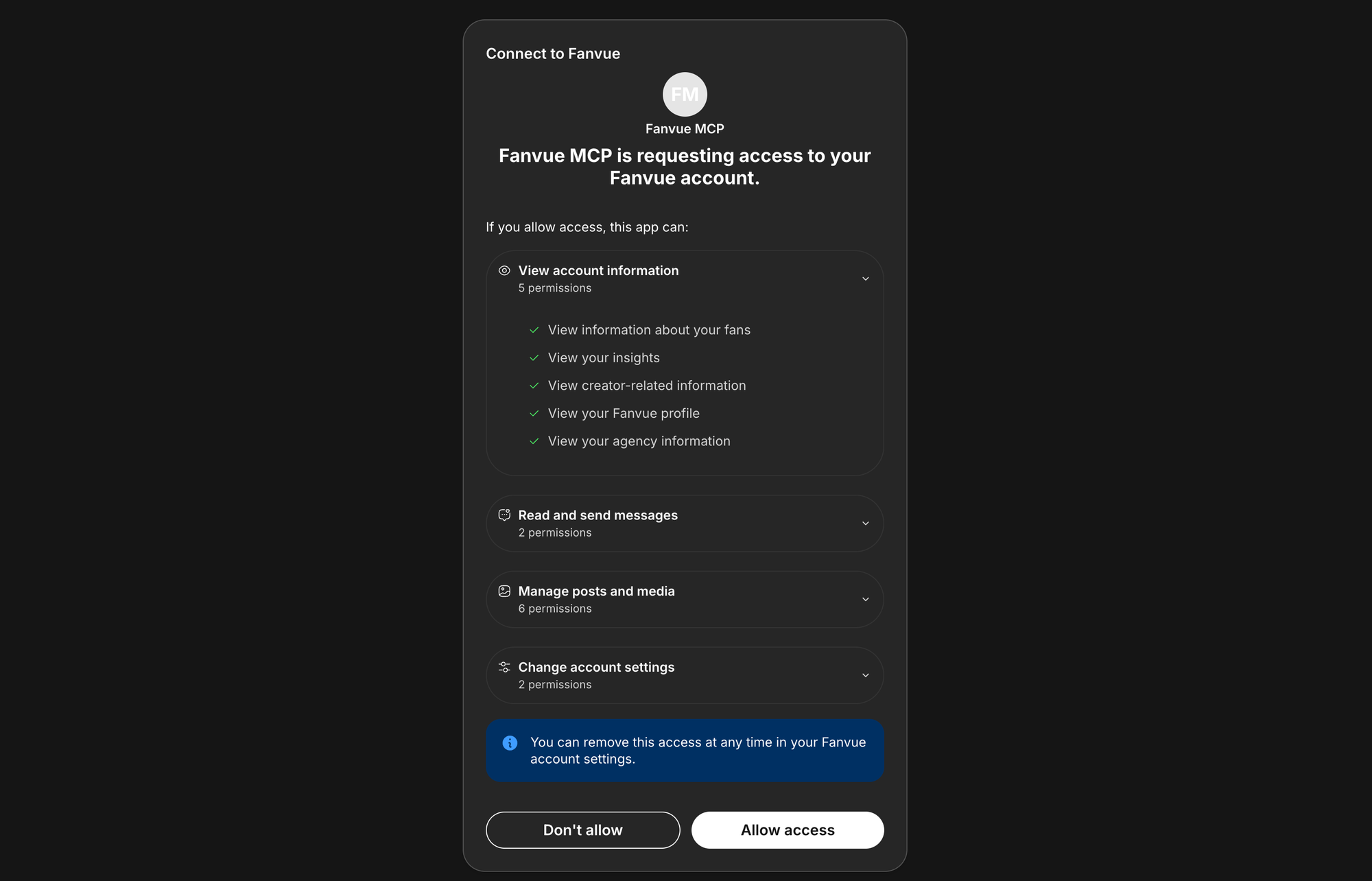
Adding Fanvue to your AI assistant takes under a minute. There are no API keys, no code, no technical setup. You connect through Fanvue's standard sign-in, the same way you'd authorize any app.
Works with:
- Claude (desktop and web), one-click add via Settings > Connectors
- ChatGPT (Plus, Pro, Business, Enterprise), add via Settings > Connectors
- Full guide: https://developers.openai.com/api/docs/mcp
- Cursor, Claude Code, Codex, one command in settings
The server URL is the same for every client:
https://mcp.fanvue.com/mcpOnce you've authorized, your AI has live access to your account. You can revoke it any time from your Fanvue settings.
What can you ask it to do
This is where it gets interesting.
Fan messaging
Your DMs are your biggest revenue driver, but staying on top of them around the clock isn't realistic. Now you don't have to.
Ask your AI to go through your unread messages, summarize what each fan is asking for, and draft a warm, on-brand reply to every one. You can review the drafts before anything sends.
Re-engage fans who've gone quiet
A fan who hasn't heard from you in a week is a fan who's starting to drift. The Fanvue MCP lets you build re-engagement lists and act on them, fast.
Every message goes out personalised. Not a blast. Not a copy-paste. Each fan gets something that feels like it was written for them.
Content creation and your vault
Upload content to your vault. Post from Vault. Organise your media. All without leaving the conversation.
To create new Images or Videos from scratch you'll need to use additional MCPs, for example:
For agencies: manage every creator from one place
If you're running multiple creators, this is the feature you've been waiting for.
With agency scopes, a single MCP connection lets your AI act across all of your managed accounts. You can review chats, check the chatter leaderboard, pull per-creator earnings, and manage posts and messages for every creator, all from one conversation.
The same tasks that used to take your team hours can now be done in minutes, and the AI adapts its tone to each creator automatically based on their account context.
It's secure
Your account stays under your control throughout.
Connection runs through Fanvue's standard OAuth flow, the same kind of authorization you'd use for any trusted app. There are no API keys to copy, paste, or accidentally expose. The assistant can only do what your own account can do, and you can revoke access at any time from your Fanvue settings.
How to get started

- Open your AI assistant (Claude, ChatGPT, or whichever you use)
- Go to connectors or integrations settings and add a custom connector
- Paste the server URL:
https://mcp.fanvue.com/mcp - Authorize with your Fanvue account
- Start asking
The full setup guide, including step-by-step instructions for every supported client, is at https://api.fanvue.com/docs/mcp-server#fanvue-mcp-server.
The AI tools you already use are more powerful than you think. They just needed a direct line into your Fanvue account.
Now they have one.